
Store

Official markers for your hunts.

Physical checkpoints, ready to hide. Stick them on a wall or tuck them behind a branch, and let players scan and sense their way to the treasure. Sold on Amazon, made for Treasure Hunt Explore. Prefer your own? The app also works with any QR code, any NFC tag and the beacons further down this page.

Treasure Hunt Explore QR code sticker with its unique code

QR Code Stickers

Scannable stickers that turn any spot into a checkpoint.

  • Players scan with the in-app camera to unlock the checkpoint
  • Each sticker carries its own unique code the app recognises
  • No battery, no setup: stick it and it's live
Buy on Amazon

See current price on Amazon
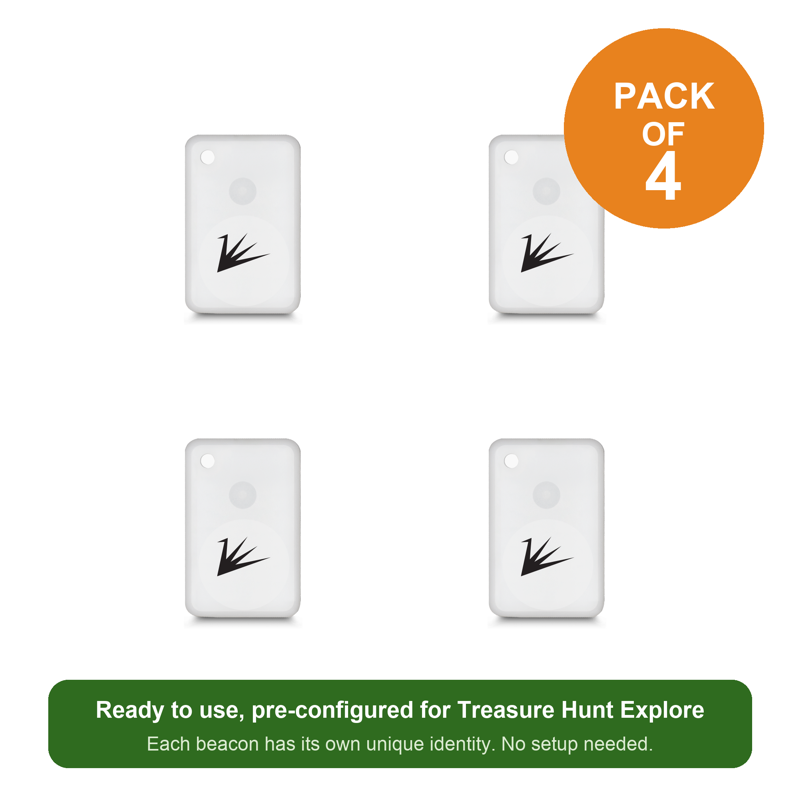
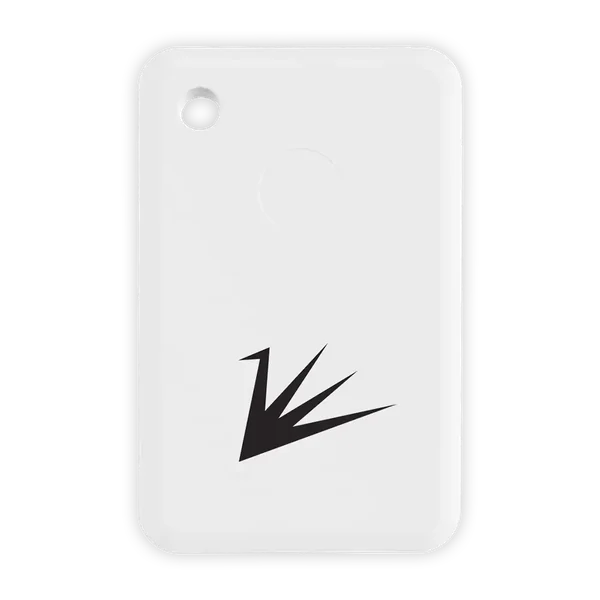
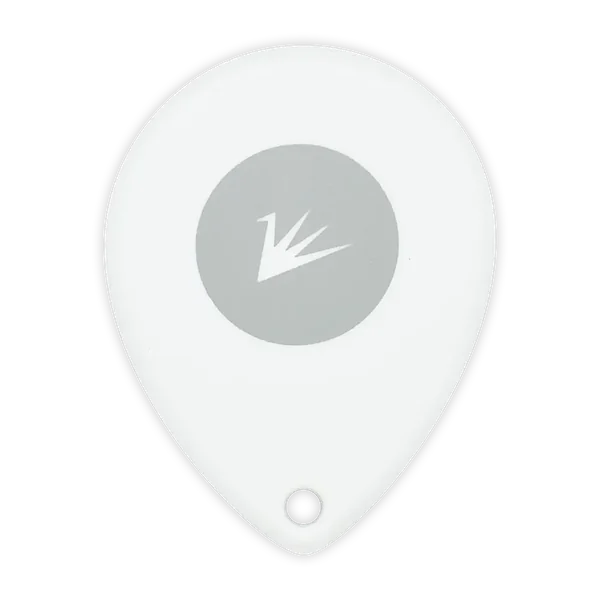
Pack of four Treasure Hunt Explore Bluetooth beaconsPack of 4

Bluetooth Beacons

Hidden beacons players discover by simply walking near.

  • Pre-configured for Treasure Hunt Explore, nothing to set up
  • Checkpoints unlock by proximity, no scanning or aiming
  • Waterproof shell with a battery that lasts about two years
Coming soon to Amazon
Your markers, your choice

Use ours, or bring your own.

The app works with any QR code, any NFC tag and any beacon you can set up as an iBeacon. Our markers are the quickest route, not the only one.

QR codes

Players scan them with the in-app camera.

  • Official

    QR Code Stickers, each with its own printed code. Buy on Amazon

  • Any brand

    Any QR stickers or tags you buy.

  • Do it yourself

    Print codes from any free QR code generator. Use a different code for each marker, and laminate them for outdoor hunts.

NFC tags

Players tap them with their phone.

  • Any brand

    Any NFC sticker or tag, such as NTAG213, 215 or 216. Any phone with NFC reads them, Android or iPhone.

  • Tip

    Standard tags don't read on metal. For a metal surface, buy tags made for it ("on-metal" tags).

Bluetooth beacons

The app picks them up as players walk near.

  • Official

    Bluetooth Beacons, pack of 4. Coming soon to Amazon.

  • Recommended

    The app sets these up for you, in seconds, when you register them:

  • Any brand

    Any beacon you can set up as an iBeacon. Register it with Manual (any brand): the app gives you the values to enter in the maker's own app.

Whichever you choose, register it once in your Progress Marker Vault, then assign it to a waypoint.

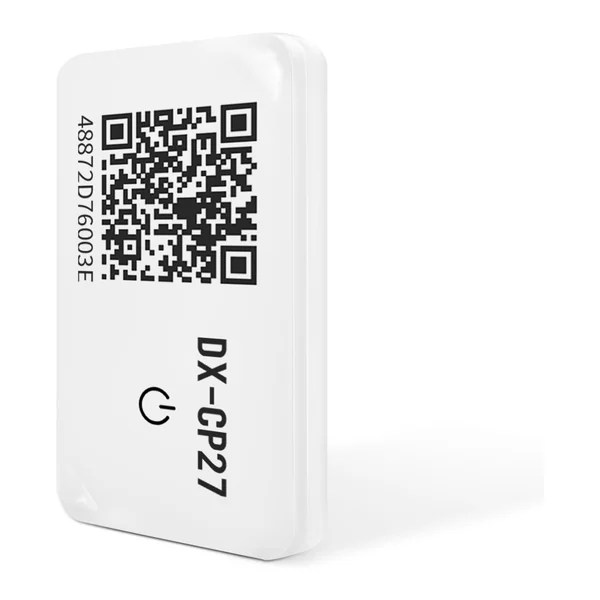
Beacon photos: Feasycom and DX-SMART.

How they fit in

Markers make waypoints physical.

Every hunt is built from geofenced waypoints, and GPS alone can verify each one. A marker adds a physical proof on top: assign it while designing your hunt, hide it along the route, and players must find and scan it. Markers add a search to the game, and they keep GPS cheats out: a faked position can't scan a marker.

An unhandled error has occurred. Reload ×